
Appearance
Search
Find and replace
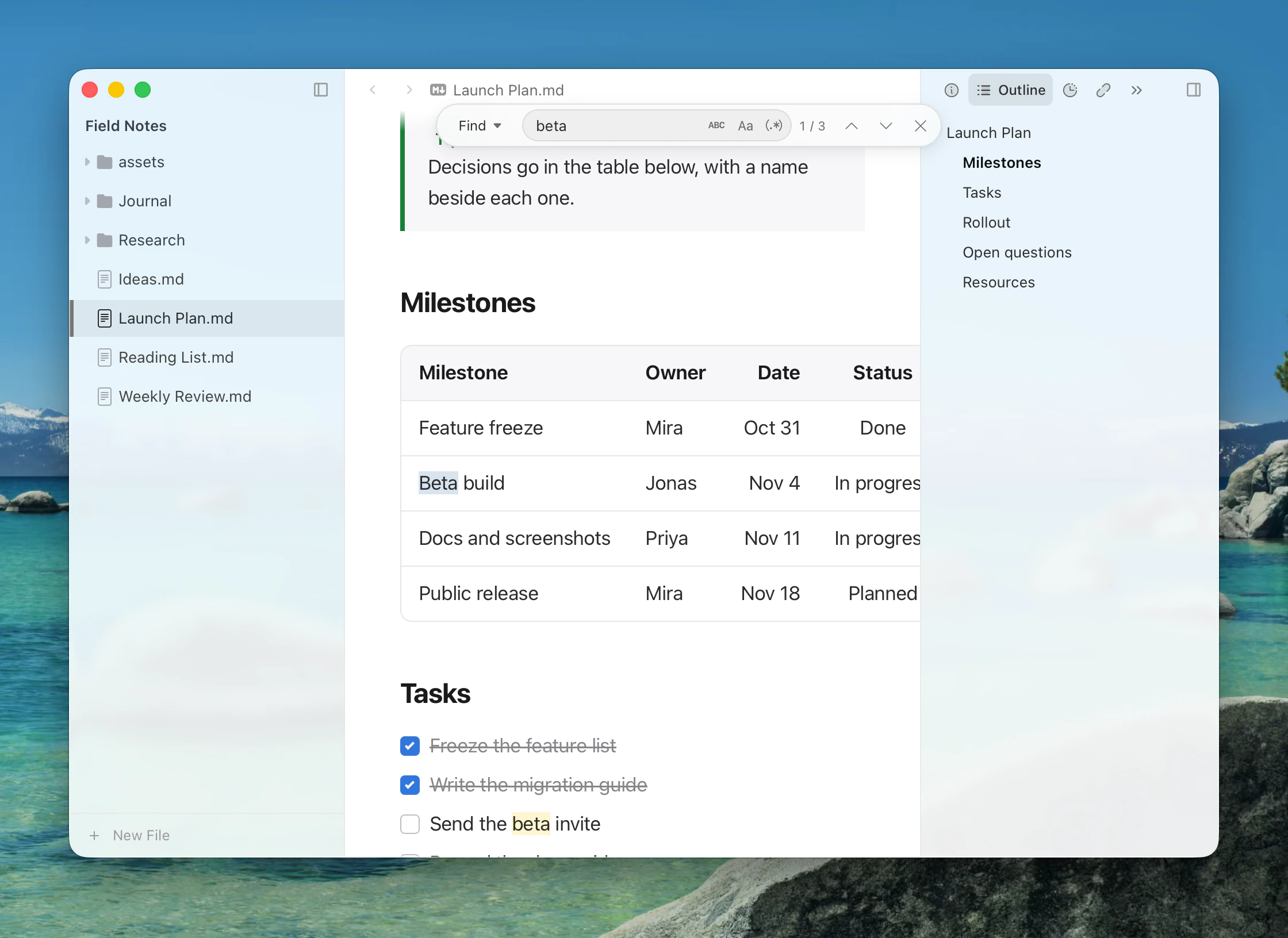
Press Mod+F (Edit ▸ Find and Replace ▸ Find…) to open the find bar over the document.
| Command | Shortcut |
|---|---|
| Find… | Mod+F |
| Find Next | F3 |
| Find Previous | Shift+F3 |
| Replace | Ctrl+H |
The bar has Match case, Match whole word and Use regular expression. With the replace field open, Replace changes the current match and Replace All changes them all.
With regular expressions, $1 in the replacement inserts the first captured group.
Search across files
Press Mod+Shift+F (View ▸ Search) to search the open folder from the sidebar.
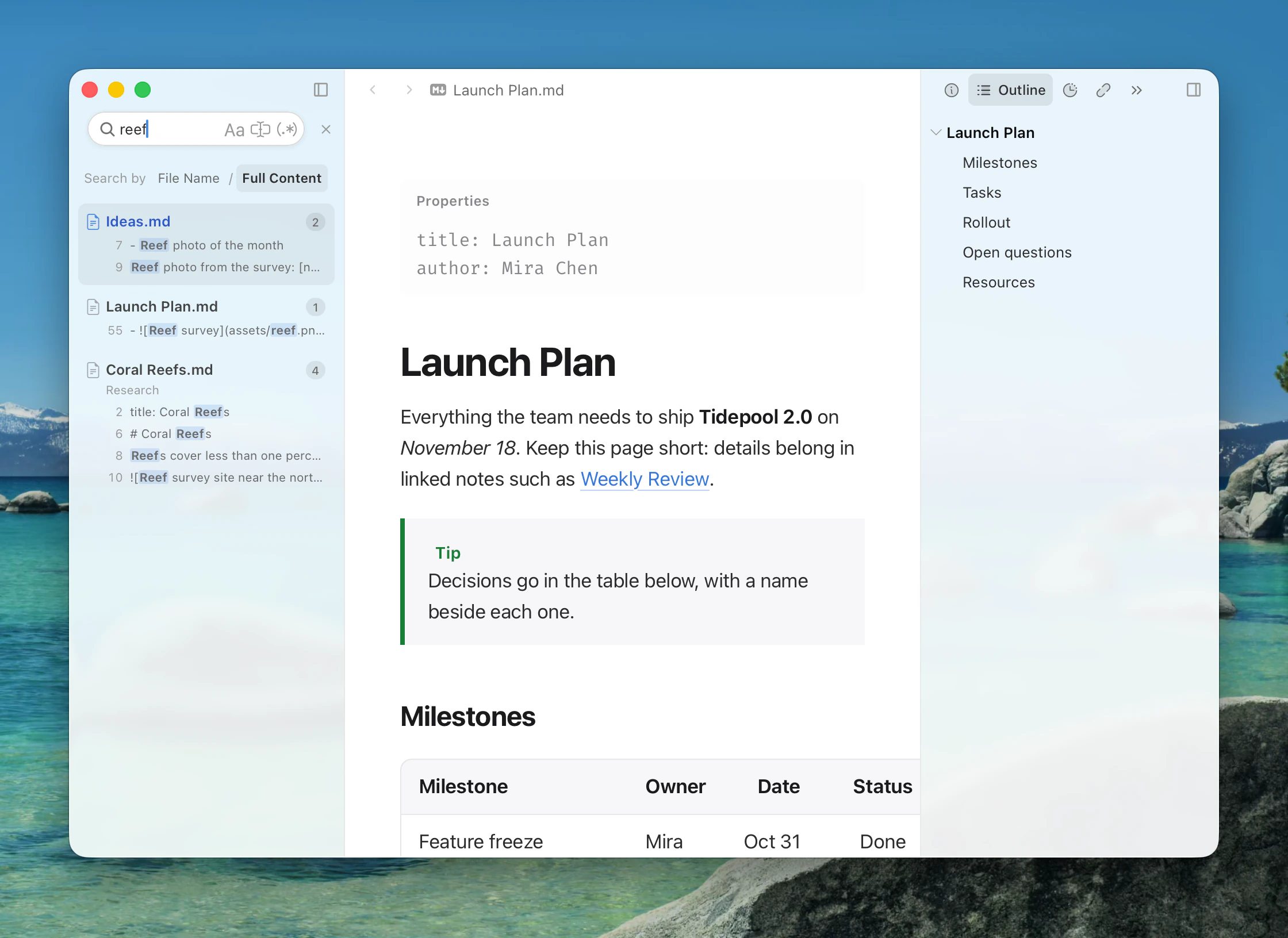
Search by File Name or Full Content, with Case Sensitive, Whole Word and Regular Expression. Click a result to open it at the match. Workspace search doesn't replace.
Open Quickly
To find a file or heading by name, use Open Quickly.