
Appearance
Code Blocks
Type three backticks and a language, then press Enter:
markdown
```python
print("hello")
```
You can also use Paragraph ▸ Code Fences (Ctrl+Shift+K) or Code Fence in the / menu.
Choosing a language
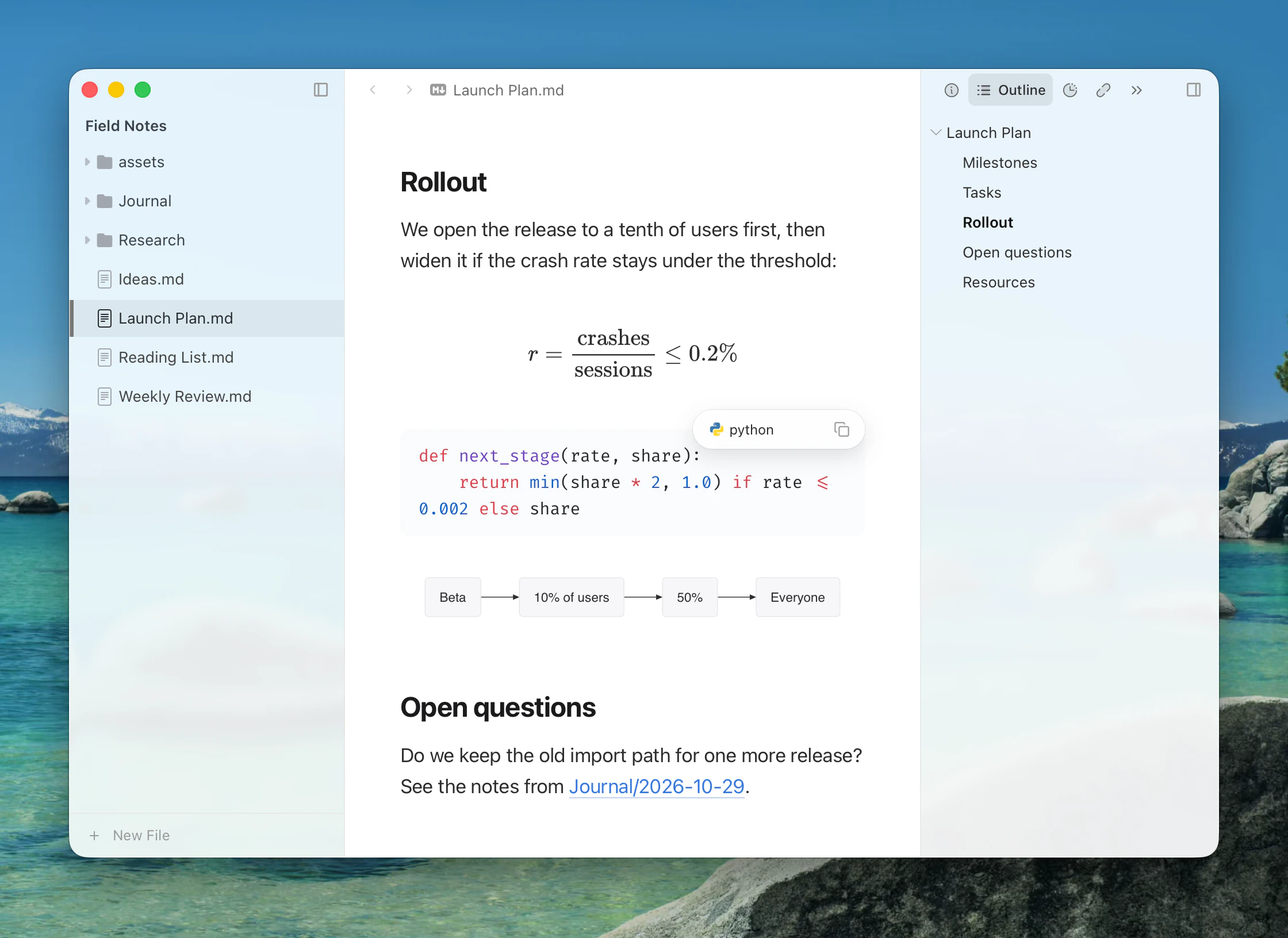
Hover a block to see its language box, which autocompletes names. Language names are case-insensitive, and common aliases work, such as js, py and sh.
Typora highlights code with Shiki, which covers the languages listed in its documentation. A theme sets the colours with [syntax]. flow, sequence, mermaid and math blocks render instead.
Options
Settings ▸ Markdown ▸ Code Fences has Show Line Numbers (off) and Wrap Long Lines (on). Settings ▸ Control ▸ Indentation ▸ Indent Size sets indentation.
Tools
The Copy button on a block copies its code. Paragraph ▸ Code Tools has Copy Code Content, Auto Indent Selected Code and Auto Indent Whole Code.
Settings ▸ Control ▸ Whitespace and Line Breaks doesn't affect code blocks: their text stays as you wrote it.